
Step 1: Create a bucket in Impossible Cloud Console
You'll need to create a bucket in your Impossible Cloud Storage console under the root user.
Use this link to the Impossible Cloud Storage documentation to learn how to create a bucket.
Step 2: Login to MSP360 management and add a new storage account
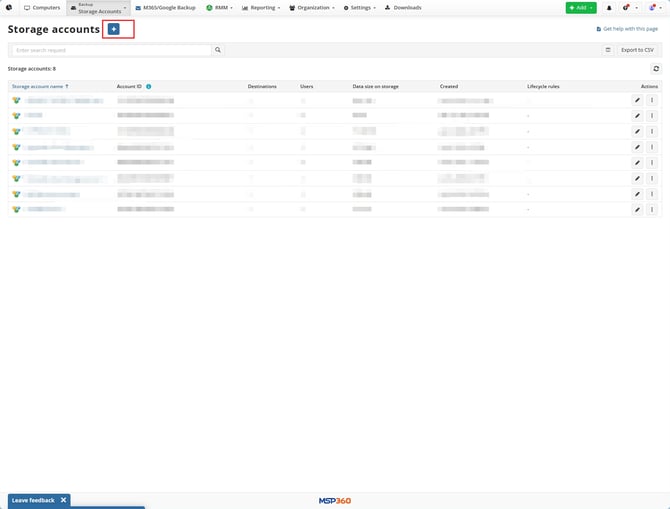
Open the Storage Accounts and press 'Add Account'.
Step 3: Select 'Impossible Cloud'
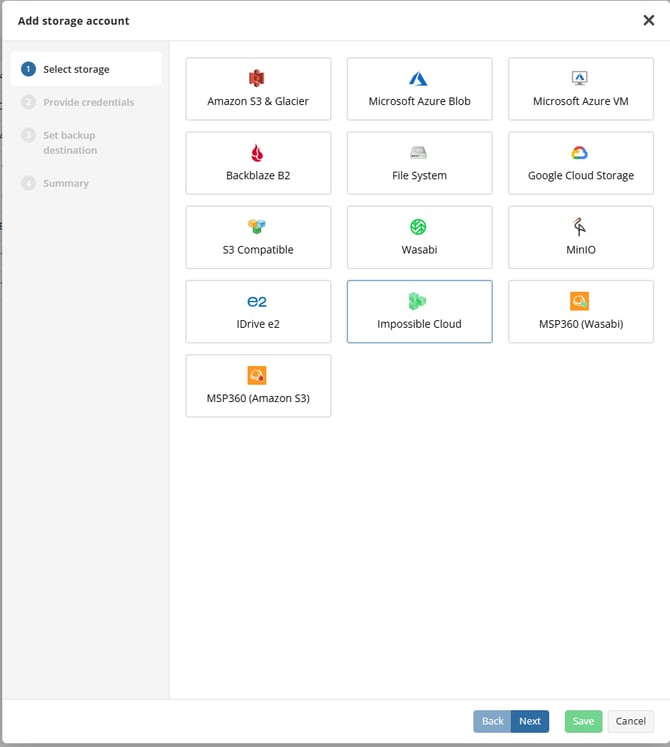
Select 'Impossible Cloud' on the list and click 'Next'.
Step 4: Fill the account details
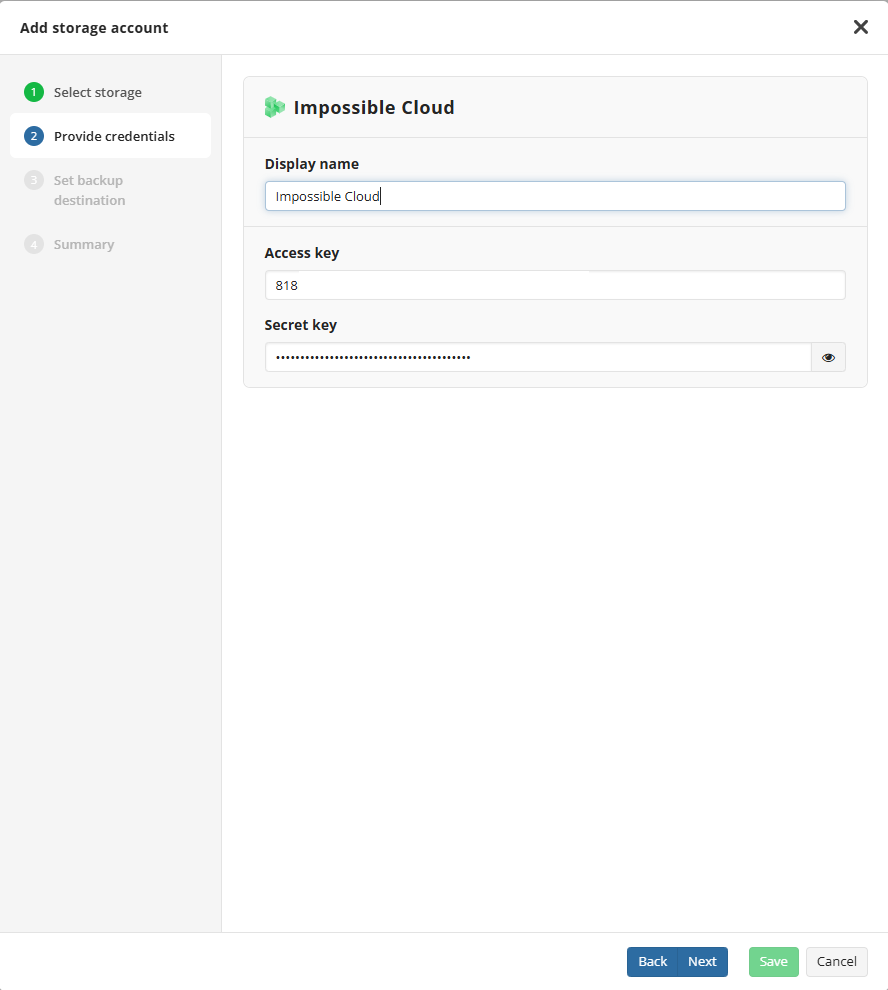
Configure the connection using your Impossible Cloud root user's Access Key and Secret Key. Click Next.
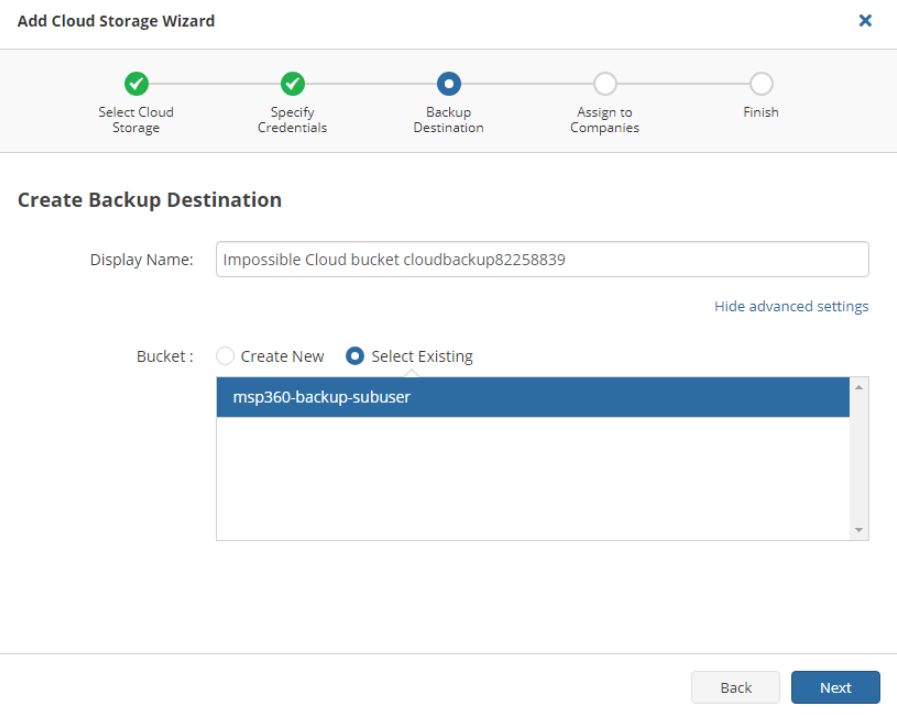
Step 5: Select a destination bucket
Select Existing bucket that you created in Step 1 and you are ready to go!
Consult with MSP360 documentaion if you need more details.